
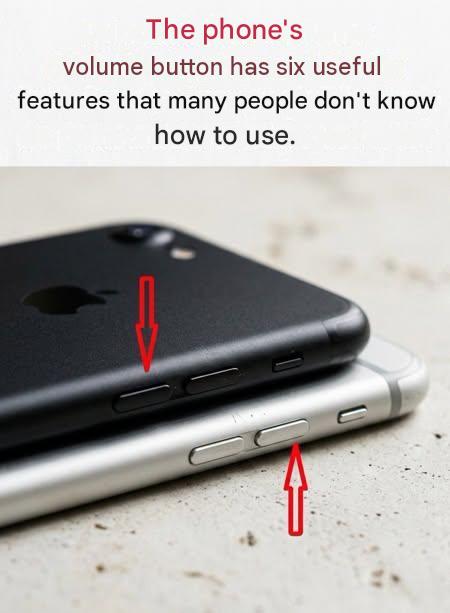
What if the small button used to turn up the volume was actually a real digital Swiss Army knife? Far from being limited to adjusting the volume, it contains smart shortcuts that optimize your daily life. Discover how this simple button can become your best ally for efficiency and comfort.
You probably use your phone’s volume knob just to adjust the sound, not to imagine what else it can do. But this small element hides practical features that simplify life and speed up certain actions. Here are six tips you need to know to get the most out of yours.Mute the ringtone with a single tap
Picture the scene: you’re in the middle of a meeting, in the library, or just focused on a task when your phone suddenly starts ringing. Don’t worry! Instead of frantically searching for the stall button or fumbling around in the settings, simply press the volume button. The ringtone stops immediately, but doesn’t reject the call. It continues to ring silently, giving you time to calmly decide whether to answer. This trick also works with alarms and notifications: a quick press will silence them without permanently turning them off.
Turn off the flashlight without unlocking the screen
The flashlight on your smartphone has been a great help in the dark, but you don’t want to unlock your phone to turn it off? On some models, you can simply press the volume button twice to turn it off instantly. Quick tip: If this feature isn’t active by default, look in the quick settings or install a dedicated app to enable it.
Adjust the sound in each app without going through the settings
Want to lower the ringtone or change the volume of a video in progress? There’s no need to get lost in the menus! A single press of the volume buttons allows you to directly adjust the volume of calls, notifications, alarms or media. Some phones even offer the ability to assign specific settings to each sound type via the sound panel for even more precise control.
Trigger the camera like a DSLR
Tapping the screen to take a photo can be inconvenient, especially when holding your phone with one hand. Did you know that volume buttons can act as a trigger? Tap one of them to take a photo, just like on a regular camera. Press and hold it to record a video. On some models, you need to enable this option in the Camera app settings.
Capture the screen in an instant
Need to save information quickly? Press the power button and volume button simultaneously and the screen will freeze instantly. Depending on your phone, an editing bar may appear so you can annotate or share the image. Ideal for keeping a booking confirmation, an important conversation, or other visual information.
Flipping through an e-book without touching the screen
Digital reading enthusiasts will love this tip! On some reading apps, volume buttons allow you to turn pages without having to touch the screen. Perfect for reading on public transport or with one hand. Be sure to check the settings in your reading app to see if this feature is available and turn it on.
One small button, endless possibilities
So there’s more to your phone’s volume knob than just a sound setting. It gives you shortcuts to interact with your device faster and more intuitively. These features, often unknown, can really simplify your daily life. Try them today and unleash the hidden potential of your smartphone!← « Previous
